Create an "App ID" by adding a new "Identifier" here, choose app IDs, enable "Sign in with Apple" enabled.
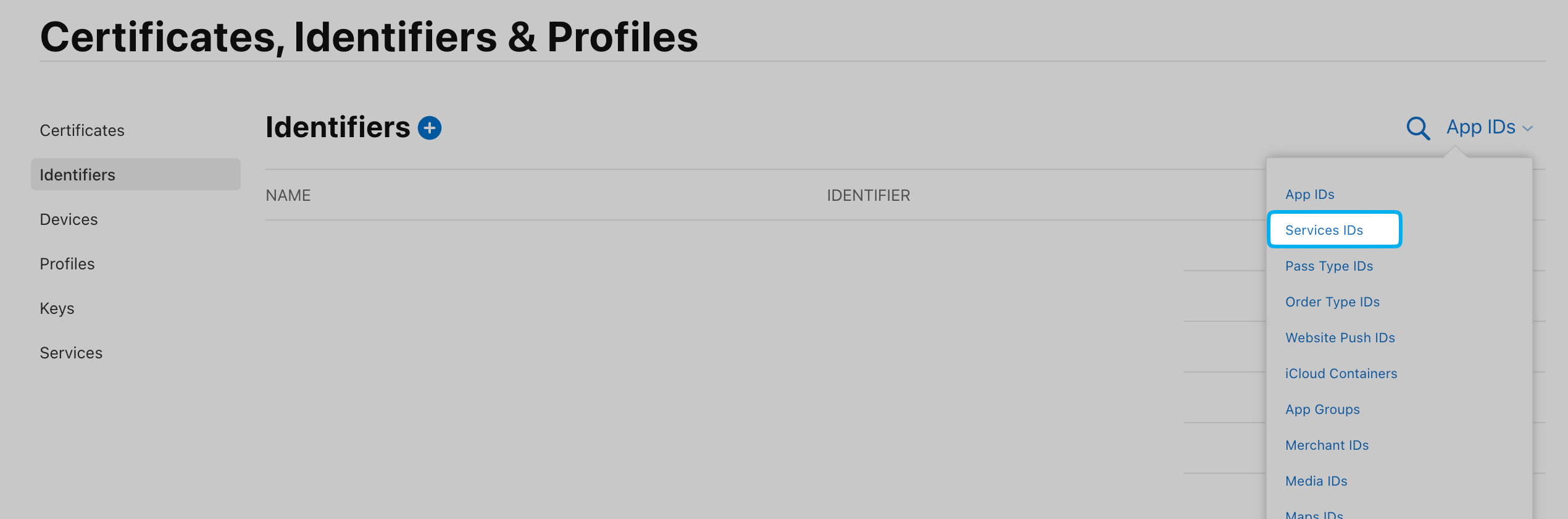
Create a "Services ID" by adding a new "Identifier" here, choose service IDs, enable "Sign in with Apple".
Click "Configure" the Next to "Sign in with Apple". In "Primary App ID" field, select app ID created above.
Select here to see Services IDs
9. Fill in and verify the domain created above, add https://<YOUR_AUTHGEAR_ENDPOINT>/sso/oauth2/callback/apple to Return URLs
10. Create a "Key" following this guide with "Sign in with Apple" enabled. Click "Configure" next to "Sign in with Apple" and select "Primary App ID" with app ID created above. Keep the private key safe, you need to provide this later.
Note
Redirect URI has the form of /sso/oauth2/callback/:oauth_provider_alias. The oauth_provider_alias is the OAuth Provider Alias configured for this provider in Authany Portal.