Password Expiry
You can set up your Authany project such that a user's password expires after a specific number of days. When a user logs in after the password expiry date, they'll see a prompt to change their password before they're redirected back to your app.
Note
By default, password expiry is turned off for your Authany project. Recent security research shows that forcing users to change their passwords after some time can do more harm than good.
Enable Password Expiry
Navigate to the password settings tab and scroll to the Password Expiry section. Toggle the "Force password change on next login if it has expired" button to enable password expiry.
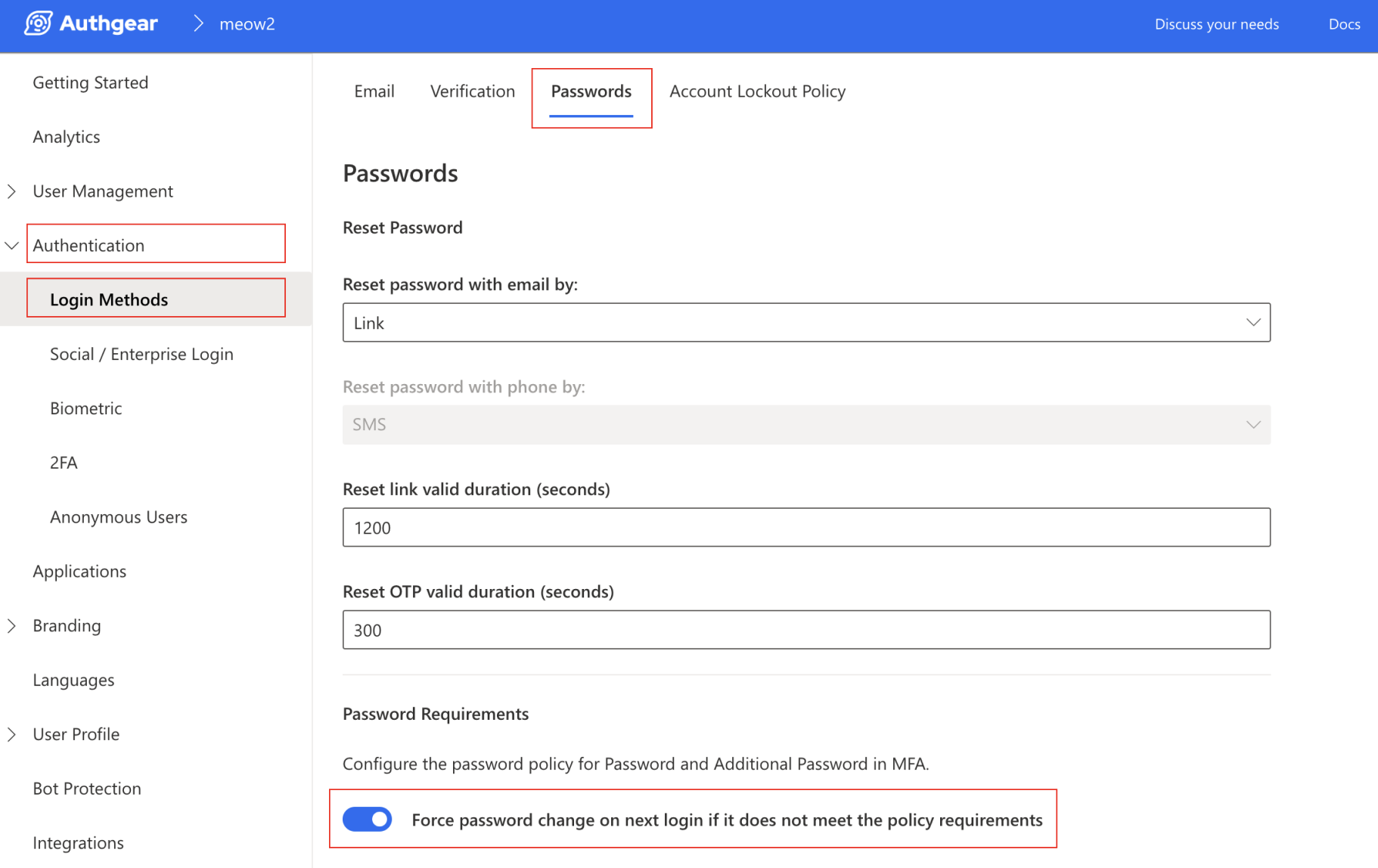
Set Expiry Date
You can use the field Force change since last update (days) to specify the number of days after which a user's password should expire.
For example, setting the value to 90 means the user's password will expire 90 days after the day they set or updated their password.
Once you're done, hit the Save button to keep your changes.